Best Online Learning Platforms for Schools: Complete 2025 Comparison Guide
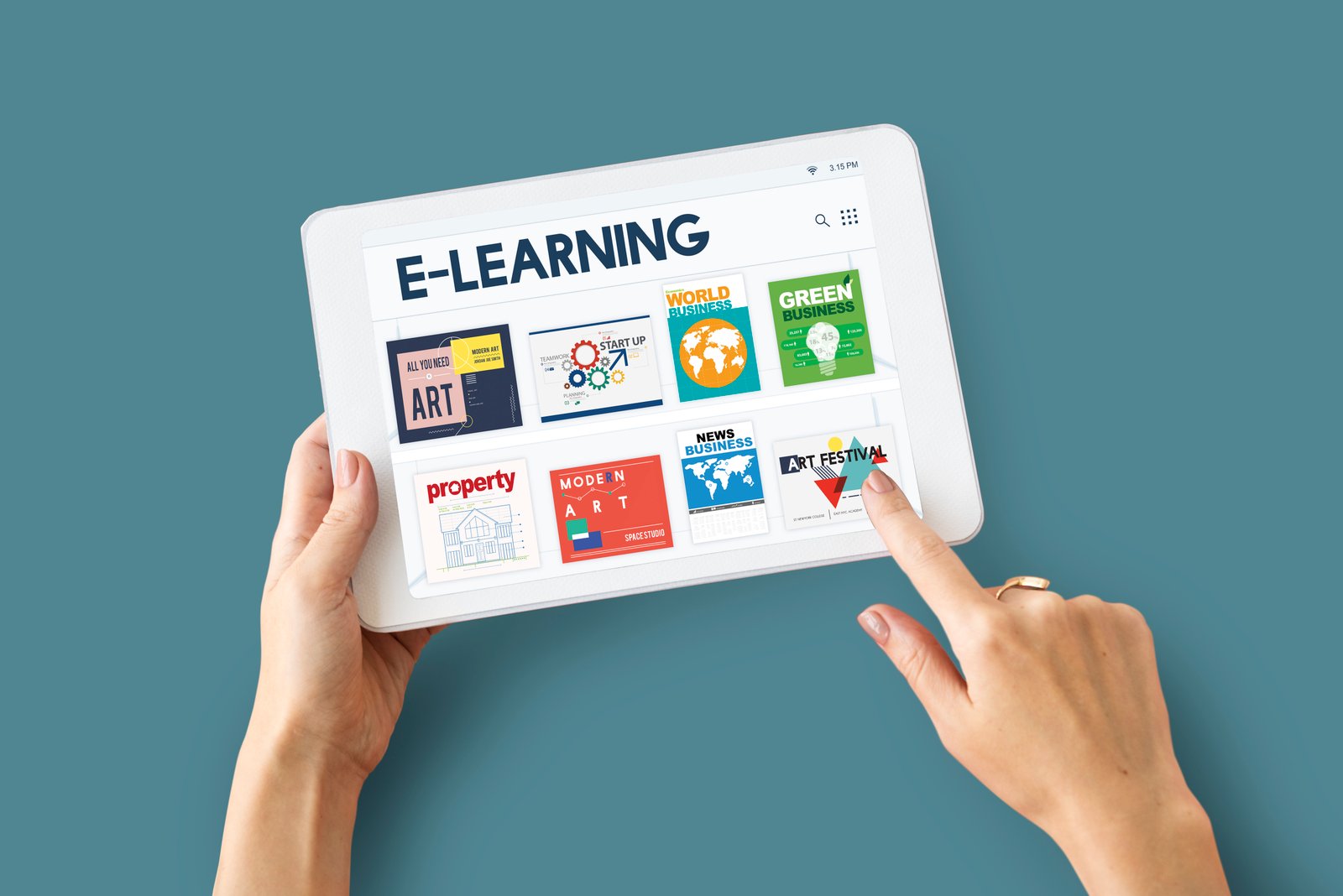
The shift to digital education has made online learning platforms essential for schools worldwide. With numerous options available, choosing the right platform can be overwhelming. This comprehensive guide examines the best online learning platforms for schools in 2025, helping you make an informed decision for your institution.
Why Schools Need Online Learning Platforms
Online learning platforms have become indispensable for modern education due to several factors:
- Flexibility: Enable learning anytime, anywhere
- Accessibility: Reach students regardless of location
- Scalability: Accommodate growing student populations
- Cost-Effectiveness: Reduce physical infrastructure needs
- Personalization: Adapt to individual learning styles
- Analytics: Track student progress and engagement
- Collaboration: Foster interaction between students and teachers
Key Features to Look for in School Learning Platforms
Essential Features
- User-Friendly Interface: Intuitive design for all age groups
- Content Management: Easy upload and organization of materials
- Assessment Tools: Quizzes, tests, and assignment capabilities
- Communication Tools: Messaging, forums, and video conferencing
- Progress Tracking: Monitor student performance and engagement
- Mobile Compatibility: Access on smartphones and tablets
- Integration Capabilities: Connect with existing school systems
- Security Features: Protect student data and privacy
Advanced Features
- AI-Powered Analytics: Predictive insights and recommendations
- Gamification: Game-like elements to increase engagement
- Virtual Reality Support: Immersive learning experiences
- Offline Access: Download content for offline learning
- Multi-Language Support: Accommodate diverse student populations
- Accessibility Features: Support for students with disabilities
- Parent Portals: Keep parents informed and engaged
Top Online Learning Platforms for Schools in 2025
1. Google Classroom
Overview
Google Classroom is a free web service developed by Google for schools that aims to simplify creating, distributing, and grading assignments.
Key Features
- Seamless integration with Google Workspace
- Easy assignment distribution and collection
- Real-time collaboration on documents
- Automatic saving and organization
- Mobile apps for iOS and Android
Pros
- Completely free for educational use
- Easy to set up and use
- Excellent integration with Google tools
- Strong mobile support
Cons
- Limited advanced features
- Requires Google account for all users
- Basic reporting and analytics
Best For
K-12 schools looking for a simple, cost-effective solution with Google integration.
2. Canvas by Instructure
Overview
Canvas is a comprehensive learning management system used by educational institutions worldwide, known for its robust features and user-friendly interface.
Key Features
- Comprehensive gradebook and assessment tools
- Rich content editor with multimedia support
- Advanced analytics and reporting
- Extensive third-party integrations
- Mobile apps with offline capabilities
Pros
- Highly customizable and scalable
- Excellent user interface
- Strong analytics and reporting
- Extensive integration ecosystem
Cons
- Can be expensive for smaller schools
- Steep learning curve for advanced features
- Requires technical expertise for customization
Best For
Higher education institutions and large K-12 districts with complex needs.
3. Schoology
Overview
Schoology combines learning management with social networking features, creating an engaging educational environment.
Key Features
- Social learning network interface
- Comprehensive assessment and analytics
- Parent and student portals
- Standards-based grading
- Extensive resource library
Pros
- Engaging social media-like interface
- Strong K-12 focus
- Excellent parent engagement features
- Comprehensive analytics
Cons
- Can be overwhelming for new users
- Limited customization options
- Pricing can be high for premium features
Best For
K-12 schools wanting to increase student engagement through social learning.
4. Moodle
Overview
Moodle is an open-source learning platform that provides educators with tools to create personalized learning environments.
Key Features
- Open-source and highly customizable
- Extensive plugin ecosystem
- Multi-language support
- Advanced user management
- Comprehensive reporting tools
Pros
- Free and open-source
- Highly customizable
- Large community support
- No licensing fees
Cons
- Requires technical expertise
- Can be complex to set up
- Interface may seem outdated
- Hosting and maintenance costs
Best For
Institutions with technical resources wanting maximum customization and control.
5. Microsoft Teams for Education
Overview
Microsoft Teams for Education is a digital hub that brings conversations, content, and apps together in one place.
Key Features
- Video conferencing and virtual classrooms
- Integration with Microsoft 365
- Assignment and feedback tools
- Collaborative workspaces
- Parent and guardian insights
Pros
- Free for educational institutions
- Excellent video conferencing capabilities
- Strong Microsoft ecosystem integration
- Regular updates and improvements
Cons
- Can be resource-intensive
- Learning curve for non-Microsoft users
- Limited advanced LMS features
Best For
Schools already using Microsoft products and needing strong collaboration tools.
6. Blackboard Learn
Overview
Blackboard Learn is a comprehensive learning management system designed for higher education and K-12 institutions.
Key Features
- Comprehensive course management
- Advanced assessment and testing tools
- Integrated video and collaboration tools
- Mobile learning apps
- Analytics and reporting dashboard
Pros
- Mature and feature-rich platform
- Strong security and compliance
- Excellent customer support
- Scalable for large institutions
Cons
- Expensive licensing costs
- Complex interface
- Slow innovation compared to competitors
Best For
Large higher education institutions with complex requirements and substantial budgets.
Specialized Platforms for Different Needs
For Elementary Schools
- Seesaw: Digital portfolio and communication platform
- ClassDojo: Classroom management with parent communication
- Flipgrid: Video discussion platform for young learners
For STEM Education
- Khan Academy: Free personalized learning platform
- Coursera for Campus: University-level courses and specializations
- edX: High-quality courses from top universities
For Language Learning
- Duolingo for Schools: Gamified language learning
- Rosetta Stone Education: Immersive language learning
- Babbel for Business: Professional language training
Platform Comparison Matrix
| Platform | Cost | Best For | Ease of Use | Customization | Mobile Support |
|---|---|---|---|---|---|
| Google Classroom | Free | K-12 | Excellent | Limited | Excellent |
| Canvas | $$ | Higher Ed | Good | Excellent | Good |
| Schoology | $$ | K-12 | Good | Good | Good |
| Moodle | Free* | All Levels | Fair | Excellent | Fair |
| Teams for Education | Free | All Levels | Good | Good | Excellent |
| Blackboard | $$$ | Higher Ed | Fair | Good | Good |
*Hosting and maintenance costs apply
Implementation Best Practices
Planning Phase
- Needs Assessment: Identify specific requirements and goals
- Stakeholder Involvement: Include teachers, students, and parents
- Budget Planning: Consider total cost of ownership
- Timeline Development: Create realistic implementation schedule
Selection Process
- Pilot Testing: Test platforms with small groups
- Feature Comparison: Evaluate against requirements
- Vendor Evaluation: Assess support and reliability
- Integration Testing: Ensure compatibility with existing systems
Deployment Strategy
- Phased Rollout: Gradual implementation by department or grade
- Training Programs: Comprehensive user training
- Support Systems: Help desk and documentation
- Feedback Loops: Regular user feedback collection
Common Implementation Challenges
Technical Challenges
- Integration Issues: Connecting with existing systems
- Data Migration: Moving existing content and user data
- Performance Problems: Slow loading times or system crashes
- Security Concerns: Protecting student data and privacy
User Adoption Challenges
- Resistance to Change: Teachers and students preferring old methods
- Training Gaps: Insufficient user training and support
- Digital Divide: Unequal access to technology
- Engagement Issues: Low participation rates
Solutions and Mitigation Strategies
- Change Management: Clear communication and stakeholder buy-in
- Comprehensive Training: Multiple training formats and ongoing support
- Technical Support: Dedicated IT support and help resources
- Gradual Implementation: Phased approach to reduce overwhelm
Future Trends in Online Learning Platforms
Emerging Technologies
- Artificial Intelligence: Personalized learning paths and intelligent tutoring
- Virtual Reality: Immersive learning experiences
- Augmented Reality: Enhanced real-world learning
- Blockchain: Secure credential verification
Pedagogical Innovations
- Microlearning: Bite-sized learning modules
- Adaptive Learning: Content that adjusts to student needs
- Social Learning: Collaborative and peer-to-peer learning
- Gamification: Game elements to increase engagement
Making the Right Choice
Decision Framework
- Define Requirements: List must-have and nice-to-have features
- Assess Resources: Evaluate budget, technical capacity, and time
- Consider Users: Think about teacher and student needs
- Evaluate Options: Compare platforms against requirements
- Test Solutions: Conduct pilot programs
- Make Decision: Choose based on comprehensive evaluation
Key Questions to Ask
- What is our primary educational goal?
- What is our budget for the platform and implementation?
- What level of technical support do we have?
- How important is integration with existing systems?
- What are our security and privacy requirements?
- How will we measure success?
Conclusion
Choosing the right online learning platform is crucial for educational success in the digital age. Each platform has its strengths and is suited for different types of institutions and use cases. The key is to thoroughly assess your needs, involve stakeholders in the decision-making process, and choose a platform that aligns with your educational goals and technical capabilities.
Remember that the best platform is not necessarily the most feature-rich or expensive one, but the one that your teachers and students will actually use effectively. Focus on user experience, ease of implementation, and long-term sustainability when making your decision.
As technology continues to evolve, stay informed about new developments and be prepared to adapt your platform choice as your institution's needs change. The investment in the right online learning platform will pay dividends in improved educational outcomes and operational efficiency.
Need an Integrated Learning Solution?
Discover how Schoolyn combines learning management with comprehensive school administration.
Explore Schoolyn's Platform