Mobile Learning Solutions: Complete Guide for Educational Institutions 2025
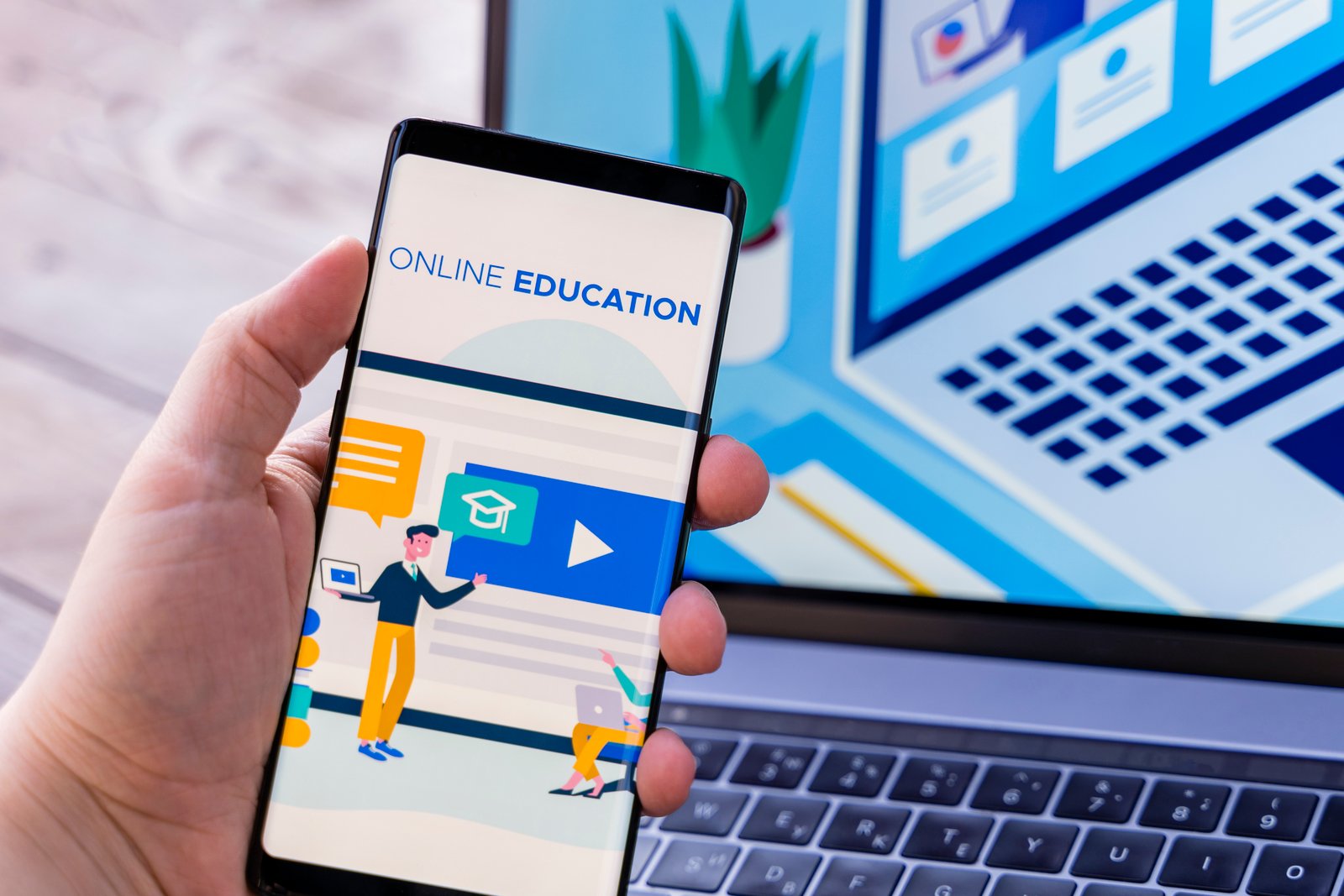
Mobile learning (m-learning) has transformed education by making learning accessible anytime, anywhere. With over 6.8 billion smartphone users worldwide, mobile devices have become powerful educational tools that enable personalized, interactive, and flexible learning experiences. This comprehensive guide explores mobile learning solutions, implementation strategies, and best practices for educational institutions.
Understanding Mobile Learning
Mobile learning refers to the use of mobile devices such as smartphones, tablets, and wearable technology to facilitate learning experiences. It encompasses various forms of digital learning that can be accessed on portable devices, enabling students to learn at their own pace, location, and schedule.
Key Characteristics of Mobile Learning
- Accessibility: Learning content available 24/7 from any location
- Portability: Lightweight devices that can be carried anywhere
- Connectivity: Internet access for real-time information and collaboration
- Personalization: Customized learning experiences based on individual needs
- Interactivity: Touch screens, voice commands, and multimedia capabilities
- Context-Awareness: Location-based and situational learning opportunities
Benefits of Mobile Learning
For Students
- Flexibility: Learn at their own pace and schedule
- Engagement: Interactive and multimedia-rich content
- Accessibility: Learning opportunities for students with disabilities
- Cost-Effective: Reduced need for physical textbooks and materials
- Immediate Feedback: Real-time assessment and progress tracking
- Collaboration: Easy communication with peers and instructors
For Educators
- Enhanced Teaching: Multimedia tools and interactive content
- Real-Time Monitoring: Track student progress and engagement
- Efficient Communication: Instant messaging and notifications
- Resource Sharing: Easy distribution of learning materials
- Data Analytics: Insights into learning patterns and effectiveness
- Professional Development: Access to training and resources
For Institutions
- Cost Reduction: Lower infrastructure and material costs
- Scalability: Reach more students with digital content
- Innovation: Stay competitive with modern learning approaches
- Data Collection: Comprehensive learning analytics
- Environmental Impact: Reduced paper usage and carbon footprint
- Global Reach: Extend education beyond geographical boundaries
Types of Mobile Learning Solutions
Mobile Learning Management Systems (LMS)
Canvas Mobile
- Features: Full LMS functionality, offline access, push notifications
- Best For: Higher education institutions, comprehensive course management
- Advantages: Seamless desktop-mobile integration, robust features
- Considerations: Requires Canvas subscription, learning curve
Blackboard Mobile
- Features: Course content access, discussions, gradebook, assignments
- Best For: Universities and colleges with Blackboard systems
- Advantages: Comprehensive mobile experience, offline capabilities
- Considerations: Limited to Blackboard users, complex interface
Moodle Mobile
- Features: Open-source, customizable, offline content
- Best For: Institutions seeking customizable solutions
- Advantages: Free, highly customizable, community support
- Considerations: Requires technical expertise, setup complexity
Educational Mobile Apps
Subject-Specific Apps
- Khan Academy: Comprehensive K-12 and college-level courses
- Duolingo: Language learning with gamification
- Photomath: Math problem solving with camera recognition
- Coursera: University-level courses and specializations
- Codecademy: Interactive programming and coding lessons
Productivity and Organization Apps
- Notion: All-in-one workspace for notes and project management
- Evernote: Note-taking and document organization
- Google Workspace: Collaborative document creation and sharing
- Microsoft 365: Office suite with cloud synchronization
- Trello: Project management and task organization
Assessment and Quiz Apps
- Kahoot!: Gamified quizzes and interactive learning
- Quizizz: Self-paced quizzes with detailed analytics
- Socrative: Real-time assessment and polling
- Mentimeter: Interactive presentations and feedback
- Padlet: Collaborative digital walls and portfolios
Communication and Collaboration Tools
Video Conferencing Apps
- Zoom: Video meetings, webinars, and screen sharing
- Microsoft Teams: Integrated communication and collaboration
- Google Meet: Simple video conferencing with Google integration
- Cisco Webex: Enterprise-grade video conferencing
- BigBlueButton: Open-source web conferencing for education
Messaging and Discussion Apps
- Slack: Team communication with channels and integrations
- Discord: Voice and text communication for communities
- WhatsApp Business: Simple messaging for small groups
- Telegram: Secure messaging with large group support
- Remind: Educational communication platform
Content Creation and Sharing Platforms
Video and Multimedia Creation
- Flipgrid: Video discussion and response platform
- Loom: Screen recording and video messaging
- Adobe Creative Cloud: Professional multimedia creation tools
- Canva: Graphic design and presentation creation
- Book Creator: Digital book and story creation
Document and Portfolio Platforms
- Seesaw: Digital portfolios and student work showcase
- Google Sites: Simple website and portfolio creation
- Adobe Portfolio: Professional portfolio creation
- Wix: Website builder with educational templates
- WordPress: Flexible content management system
Mobile Learning Implementation Strategies
Planning and Preparation
Needs Assessment
- Student Demographics: Age, tech proficiency, device ownership
- Infrastructure Analysis: Network capacity, Wi-Fi coverage, technical support
- Curriculum Alignment: Learning objectives and mobile learning integration
- Resource Evaluation: Budget, staff training needs, equipment requirements
- Stakeholder Input: Feedback from students, teachers, parents, and administrators
Strategic Planning
- Vision and Goals: Clear objectives for mobile learning implementation
- Phased Rollout: Gradual implementation with pilot programs
- Success Metrics: Key performance indicators and evaluation criteria
- Risk Management: Identifying and mitigating potential challenges
- Timeline Development: Realistic implementation schedule
Technology Infrastructure
Network Requirements
- Bandwidth Planning: Adequate internet speed for all users
- Wi-Fi Coverage: Comprehensive wireless network coverage
- Network Security: Secure access and data protection
- Load Balancing: Managing high-traffic periods
- Backup Systems: Redundancy for critical services
Device Management
- BYOD Policies: Bring Your Own Device guidelines and support
- Device Standards: Minimum specifications and compatibility requirements
- Mobile Device Management (MDM): Centralized device control and security
- App Distribution: Managed app stores and installation processes
- Technical Support: Help desk and troubleshooting resources
Pedagogical Considerations
Learning Design Principles
- Microlearning: Bite-sized content for mobile consumption
- Interactive Elements: Touch, swipe, and gesture-based interactions
- Multimedia Integration: Video, audio, and visual content
- Adaptive Learning: Personalized content based on progress
- Social Learning: Collaborative features and peer interaction
Content Development
- Mobile-First Design: Content optimized for small screens
- Responsive Layout: Adaptable to different screen sizes
- Offline Capability: Content accessible without internet
- Fast Loading: Optimized for mobile network speeds
- Accessibility: Inclusive design for all learners
Best Practices for Mobile Learning
User Experience Design
Interface Design Principles
- Simplicity: Clean, uncluttered interface design
- Navigation: Intuitive menu structure and flow
- Touch-Friendly: Appropriately sized buttons and interactive elements
- Consistency: Uniform design patterns throughout the app
- Feedback: Clear visual and audio feedback for user actions
Content Presentation
- Chunking: Breaking content into digestible segments
- Visual Hierarchy: Clear organization of information
- Typography: Readable fonts and appropriate sizing
- Color Scheme: Accessible and visually appealing colors
- White Space: Adequate spacing for comfortable reading
Engagement Strategies
Gamification Elements
- Points and Badges: Reward systems for achievements
- Leaderboards: Competitive elements to motivate learners
- Progress Tracking: Visual indicators of learning progress
- Challenges: Interactive tasks and quests
- Social Features: Sharing achievements and collaboration
Interactive Features
- Quizzes and Polls: Regular knowledge checks
- Discussion Forums: Peer-to-peer learning opportunities
- Multimedia Content: Videos, animations, and interactive simulations
- Augmented Reality: Immersive learning experiences
- Voice Recognition: Speech-based interactions and assessments
Assessment and Analytics
Mobile Assessment Strategies
- Formative Assessment: Continuous feedback during learning
- Adaptive Testing: Questions that adjust to learner ability
- Portfolio Assessment: Collection of work over time
- Peer Assessment: Student evaluation of each other's work
- Performance Analytics: Data-driven insights into learning
Learning Analytics
- Usage Patterns: How students interact with content
- Progress Tracking: Individual and group learning progress
- Engagement Metrics: Time spent, completion rates, interaction frequency
- Performance Analysis: Assessment results and learning outcomes
- Predictive Analytics: Early warning systems for at-risk students
Challenges and Solutions
Technical Challenges
Device Fragmentation
- Challenge: Multiple operating systems and device specifications
- Solution: Cross-platform development frameworks and responsive design
- Tools: React Native, Flutter, Progressive Web Apps
- Testing: Comprehensive testing across different devices and platforms
Connectivity Issues
- Challenge: Inconsistent internet access and bandwidth limitations
- Solution: Offline content capabilities and data optimization
- Strategies: Content caching, progressive downloading, low-bandwidth modes
- Backup Plans: Alternative access methods and offline resources
Security and Privacy
- Challenge: Protecting student data and ensuring secure access
- Solution: Robust security protocols and privacy compliance
- Measures: Encryption, secure authentication, regular security audits
- Compliance: FERPA, COPPA, GDPR adherence
Pedagogical Challenges
Screen Time Concerns
- Challenge: Balancing mobile learning with screen time limits
- Solution: Blended learning approaches and activity variety
- Strategies: Scheduled breaks, offline activities, physical movement
- Guidelines: Age-appropriate screen time recommendations
Digital Divide
- Challenge: Unequal access to devices and internet connectivity
- Solution: Device lending programs and community partnerships
- Initiatives: Subsidized internet access, public Wi-Fi programs
- Alternatives: SMS-based learning, offline content distribution
Teacher Training and Support
- Challenge: Educators need training on mobile learning technologies
- Solution: Comprehensive professional development programs
- Components: Technical training, pedagogical strategies, ongoing support
- Resources: Online courses, peer mentoring, technical support
Future Trends in Mobile Learning
Emerging Technologies
Artificial Intelligence and Machine Learning
- Personalized Learning: AI-driven content recommendations
- Intelligent Tutoring: Automated coaching and support
- Predictive Analytics: Early intervention for struggling students
- Natural Language Processing: Voice-based interactions and assessment
- Adaptive Testing: Dynamic assessment based on performance
Augmented and Virtual Reality
- Immersive Experiences: 3D learning environments
- Virtual Field Trips: Exploring locations and concepts virtually
- Hands-On Simulations: Safe practice of complex procedures
- Interactive Models: 3D visualization of abstract concepts
- Collaborative Spaces: Shared virtual learning environments
Internet of Things (IoT)
- Smart Classrooms: Connected devices and sensors
- Wearable Technology: Fitness trackers and smartwatches for learning
- Environmental Monitoring: Real-time data collection for science education
- Location-Based Learning: Context-aware educational content
- Automated Systems: Smart scheduling and resource management
Evolving Learning Models
Microlearning
- Bite-Sized Content: Short, focused learning modules
- Just-in-Time Learning: Information available when needed
- Spaced Repetition: Optimized review schedules
- Mobile-First Design: Content optimized for mobile consumption
- Performance Support: Quick reference and job aids
Social and Collaborative Learning
- Peer-to-Peer Learning: Student-generated content and teaching
- Community Building: Learning networks and study groups
- Crowdsourced Knowledge: Collaborative content creation
- Social Media Integration: Learning through social platforms
- Global Collaboration: Cross-cultural learning experiences
Implementation Roadmap
Phase 1: Foundation (Months 1-3)
- Stakeholder Engagement: Build support and understanding
- Infrastructure Assessment: Evaluate current technology capabilities
- Policy Development: Create mobile learning guidelines and procedures
- Pilot Program Design: Plan small-scale implementation
- Training Preparation: Develop professional development programs
Phase 2: Pilot Implementation (Months 4-6)
- Pilot Launch: Implement with select groups
- Initial Training: Provide basic mobile learning skills
- Content Development: Create mobile-optimized learning materials
- Feedback Collection: Gather user experiences and suggestions
- Technical Support: Establish help desk and troubleshooting
Phase 3: Expansion (Months 7-12)
- Scaled Rollout: Expand to additional users and programs
- Advanced Training: Develop specialized skills and strategies
- Content Library: Build comprehensive mobile learning resources
- Integration: Connect with existing systems and workflows
- Evaluation: Assess impact and effectiveness
Phase 4: Optimization (Months 13+)
- Continuous Improvement: Refine based on data and feedback
- Innovation Integration: Adopt new technologies and approaches
- Community Building: Foster mobile learning culture
- Sustainability Planning: Ensure long-term success
- Knowledge Sharing: Document and share best practices
Measuring Success
Key Performance Indicators
Learning Outcomes
- Academic Performance: Grades, test scores, completion rates
- Skill Development: Digital literacy, critical thinking, collaboration
- Engagement Levels: Participation, time on task, interaction frequency
- Retention Rates: Course completion and program persistence
- Learning Satisfaction: Student and teacher feedback
Technical Metrics
- System Performance: App responsiveness, uptime, error rates
- Usage Analytics: Active users, session duration, feature adoption
- Content Consumption: Downloads, views, completion rates
- Device Compatibility: Cross-platform functionality and performance
- Support Requests: Help desk tickets and resolution times
Institutional Impact
- Cost Effectiveness: ROI, cost per student, resource savings
- Operational Efficiency: Administrative time savings, process improvements
- Innovation Culture: Technology adoption, change readiness
- Competitive Advantage: Market position, student recruitment
- Sustainability: Long-term viability and growth potential
Conclusion
Mobile learning solutions represent a transformative opportunity for educational institutions to enhance learning experiences, increase accessibility, and prepare students for a digital future. The key to successful implementation lies in careful planning, stakeholder engagement, and a focus on pedagogical effectiveness rather than just technological novelty.
As we advance through 2025, mobile learning will continue to evolve with emerging technologies like AI, AR/VR, and IoT. Institutions that embrace these innovations while maintaining focus on learning outcomes and user experience will be best positioned to provide engaging, effective, and accessible education.
The future of education is mobile, personalized, and connected. By implementing comprehensive mobile learning solutions, educational institutions can create flexible, engaging, and effective learning environments that meet the diverse needs of modern learners and prepare them for success in an increasingly digital world.
Ready to Implement Mobile Learning?
Discover how Schoolyn's mobile-optimized platform can transform your educational delivery.
Start Mobile Learning